Dear Members:
We are excited to announce that your membership content and briefings are moving to a NEW and improved platform (on Circle), effective immediately.
Here’s what you need to know:
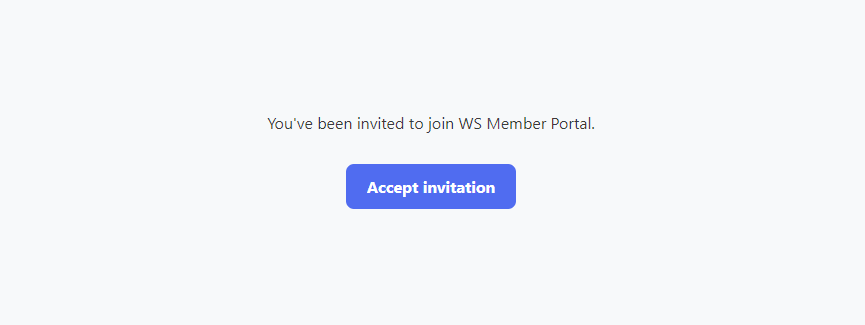
You are invited to join the new WS Member Portal today, at your custom link that was emailed to you.
(If you don’t see the email, send a message here.)
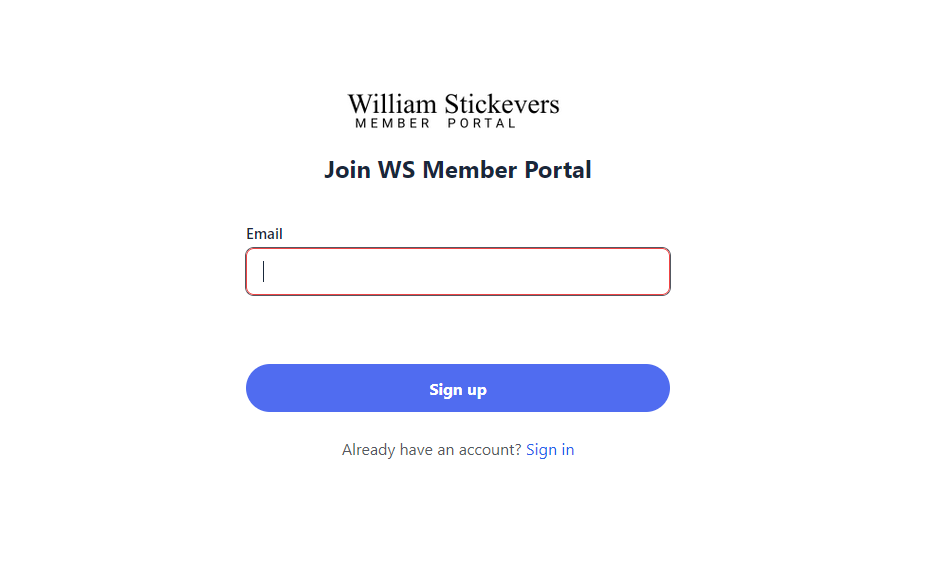
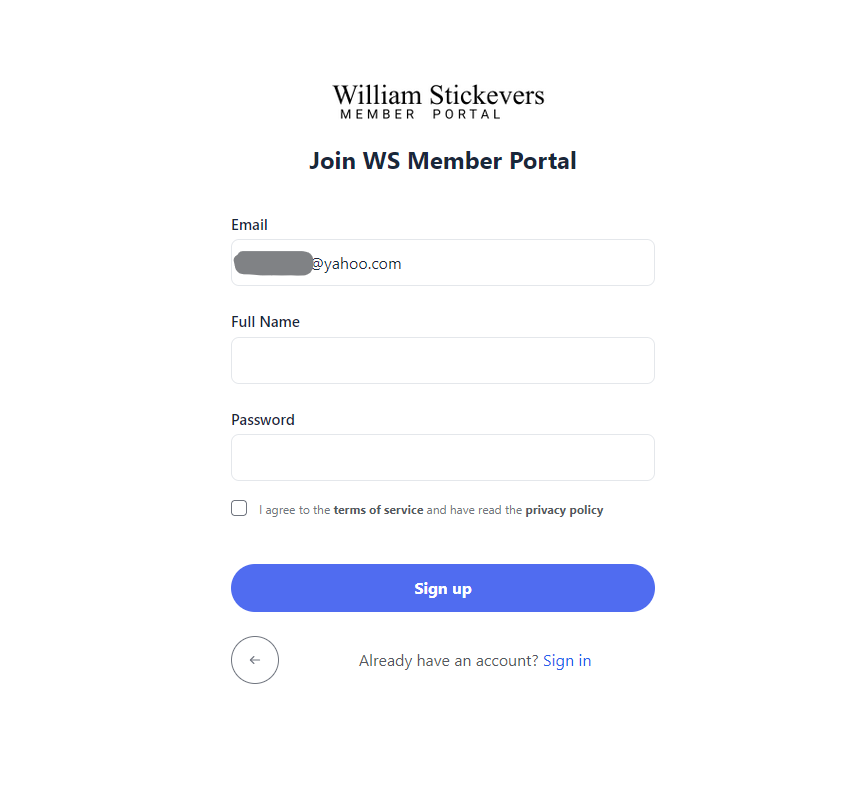
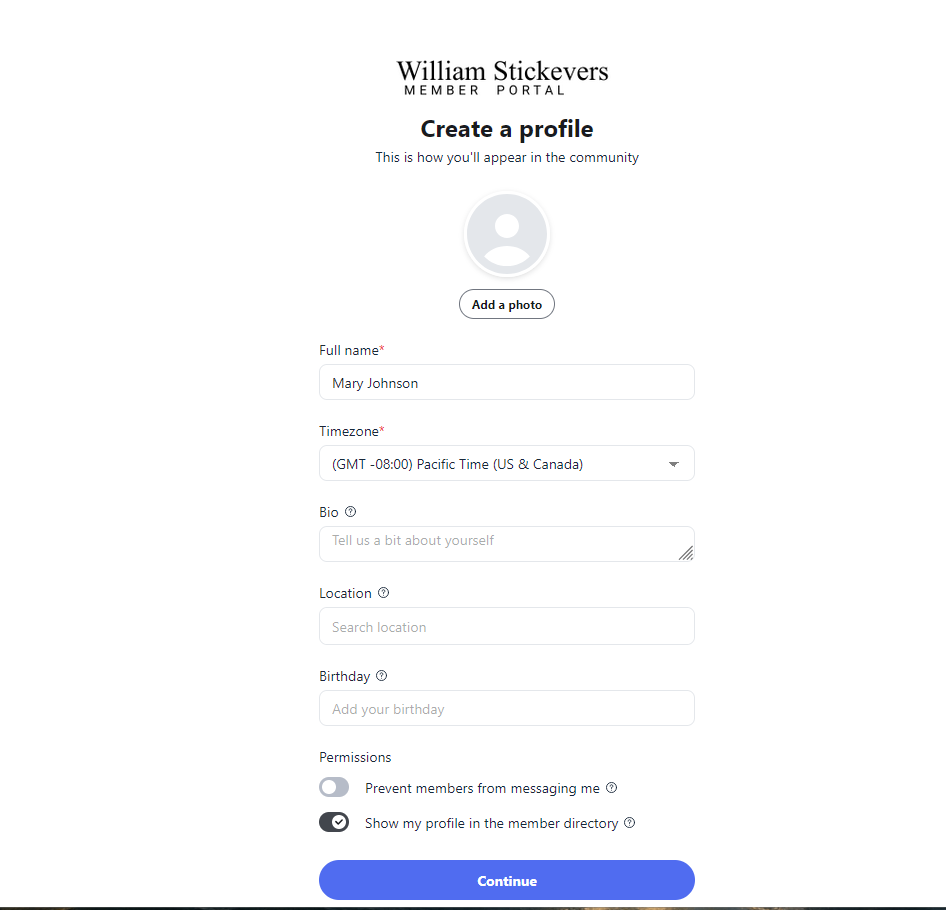
Follow the prompts to sign up, or if you already have a Circle account, sign in and accept the invitation to join the WS Member Portal.
Once you are on the new WS Member Portal, your content access will be updated within 24-48 hours.
Memberships/Subscriptions
Your subscription(s) on the old platform will be cancelled today, June 9th. On the new Member Portal platform, your billing date will remain the same, but you will have to update your payment details in your new WS Member Portal account.
Briefings – Webinars and Reports
After you join the new WS Member Portal, your access will be updated within 24-48 hours for your briefings access.
A Welcome Gift for You – Your Personal 6-Month Blackbox
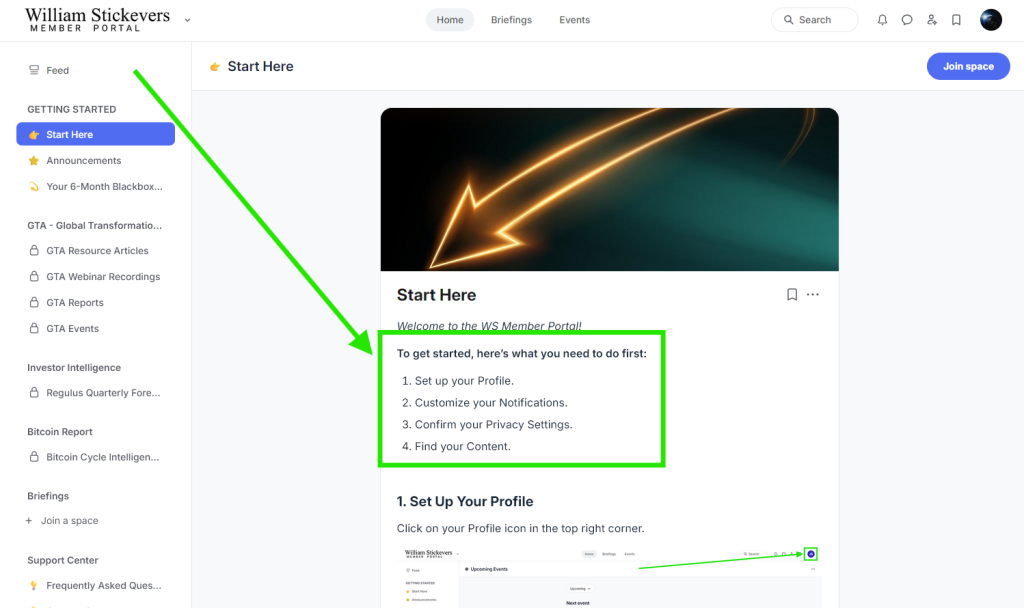
We know that life is busy, and while we have made every effort to make this a smooth transition, we want to thank you for taking the time to join us on the new WS Member Portal with a Welcome Gift. Once you have joined the new WS Member Portal, please complete the short form (on the Home page) to receive your Personal 6-Month Blackbox Graph “Welcome Gift”. (You will be able to choose the start date for the Blackbox, since we know many members already purchased their 2026 Blackbox.)
Please Note:
- The old platform will close on June 20th.
- The new platform url is: https://portal.williamstickevers.com
- Your billing date will remain the same, but you will have to update your payment details in your new WS Member Portal account.
We look forward to sharing the new WS Member Portal with you.
Let us know if you have any questions or issues signing up. Reach out at co*****@***************rs.com with any comments, questions, or concerns.
-Team William